Festive Scene Projection
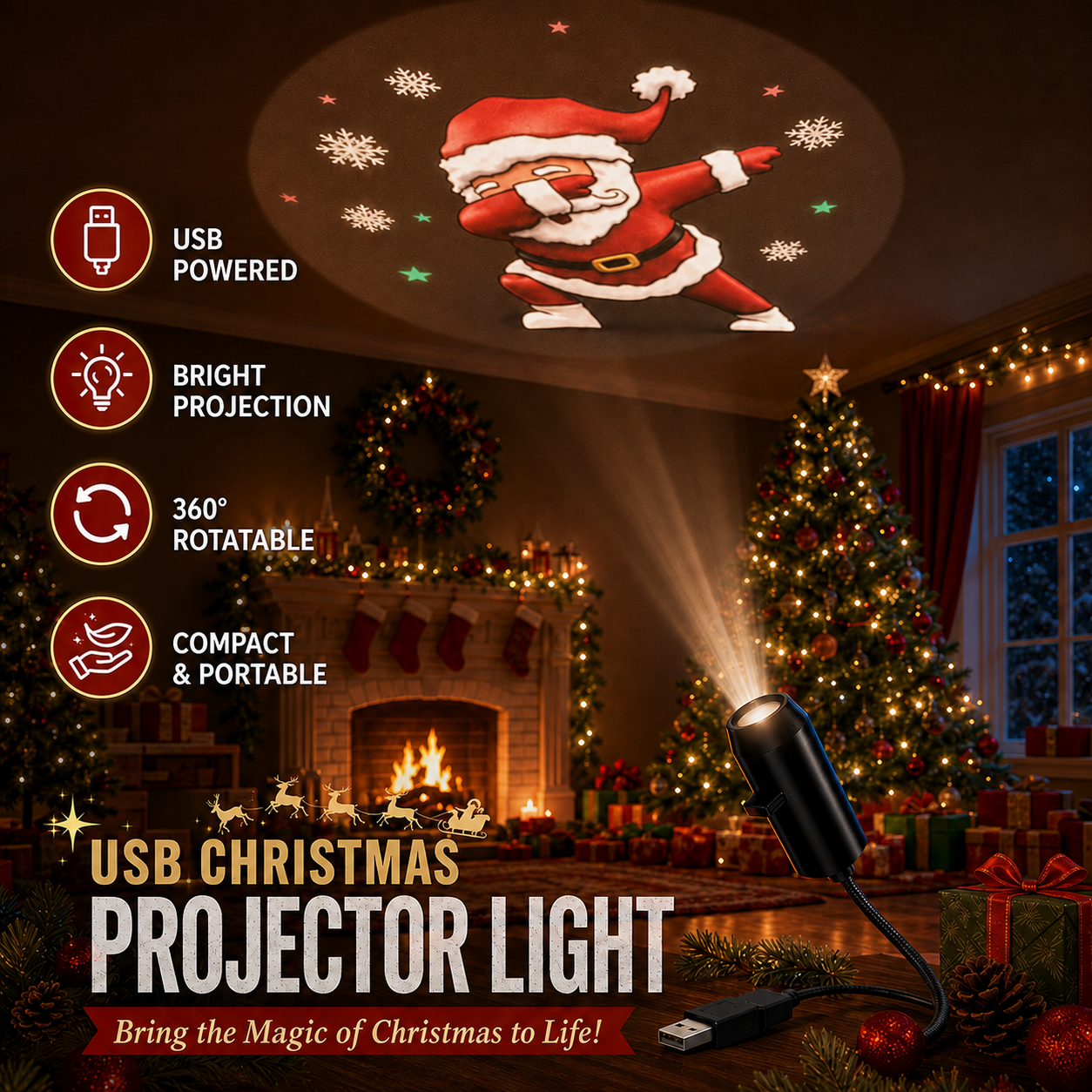
Bring Santa, snowflakes, reindeer, and classic holiday symbols to walls and ceilings.
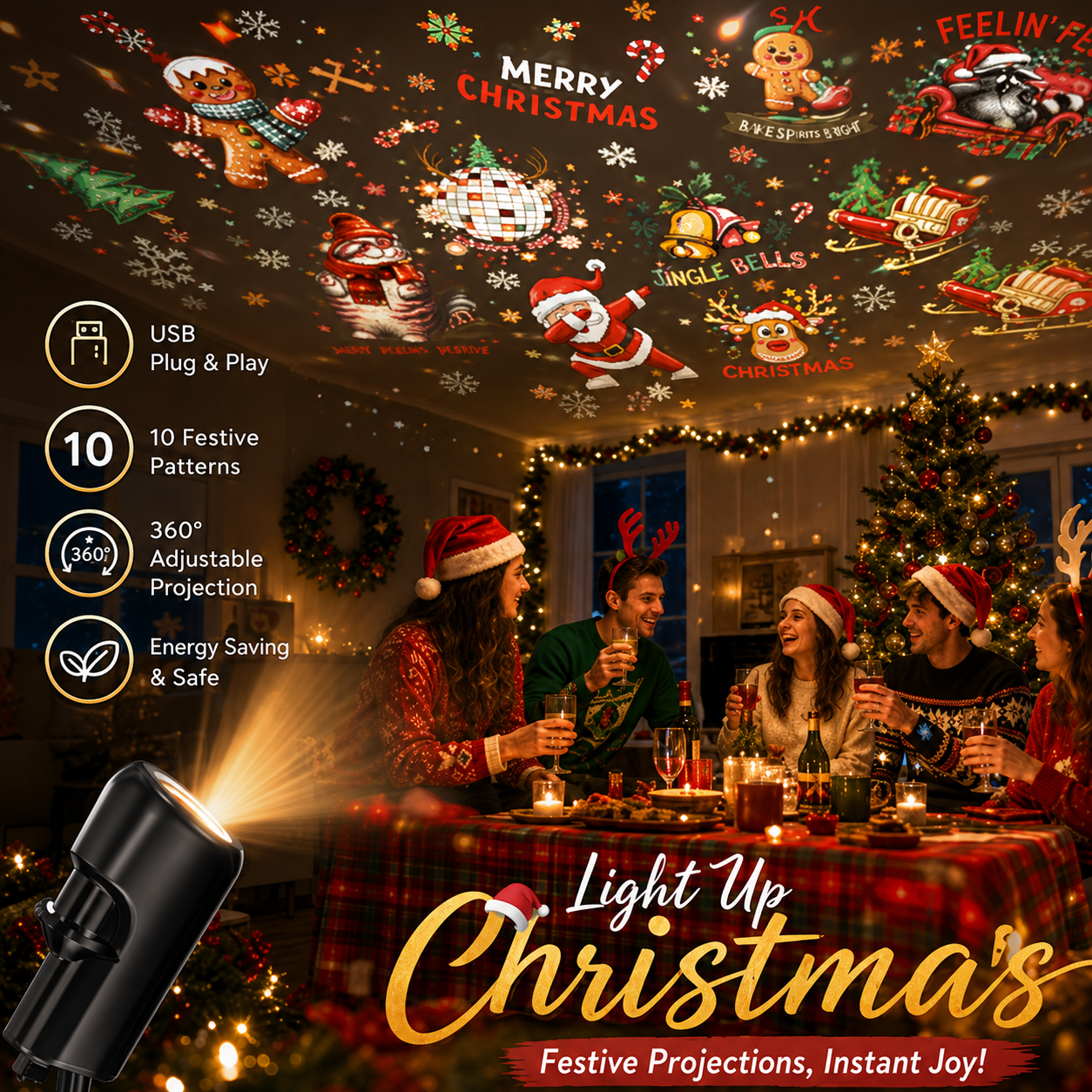
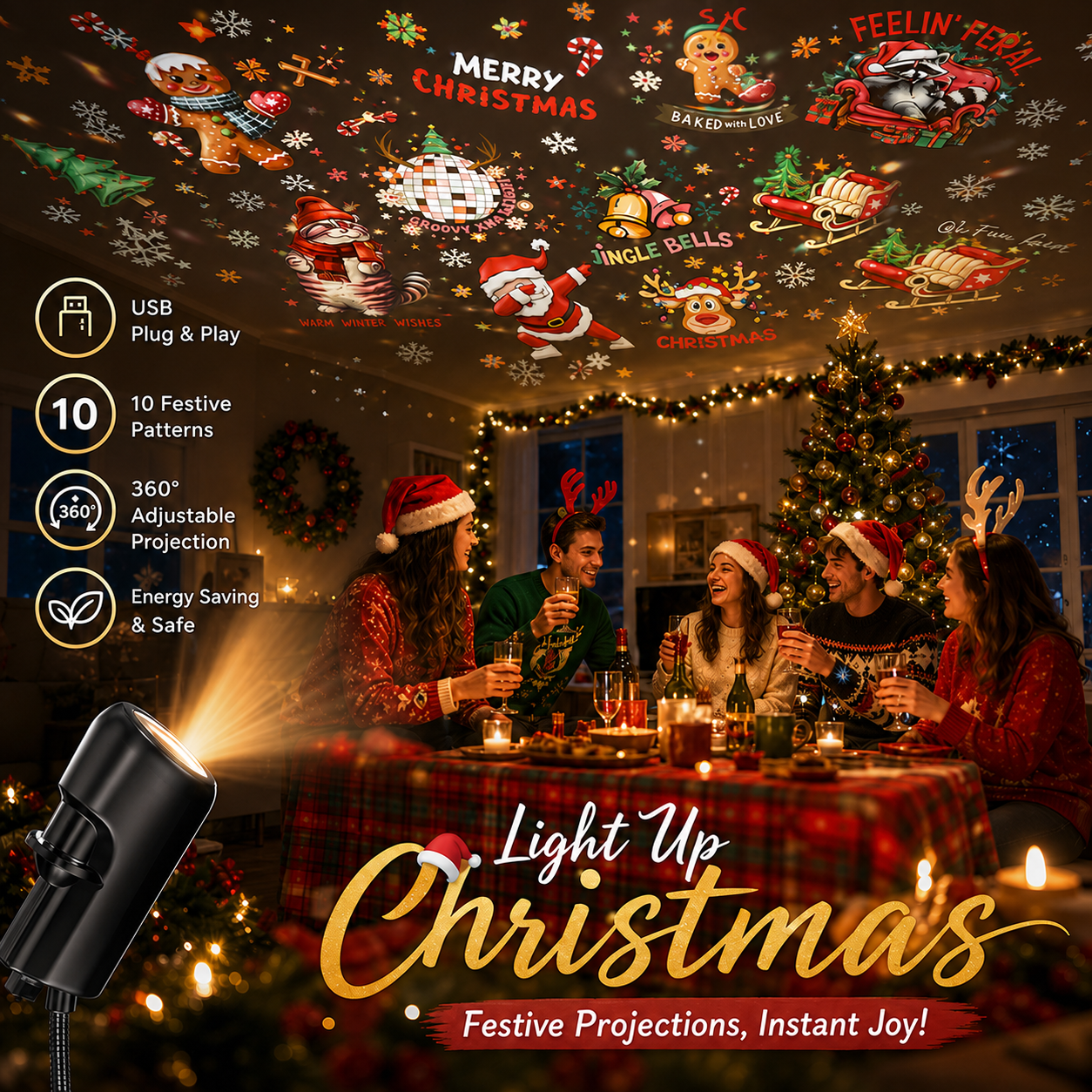


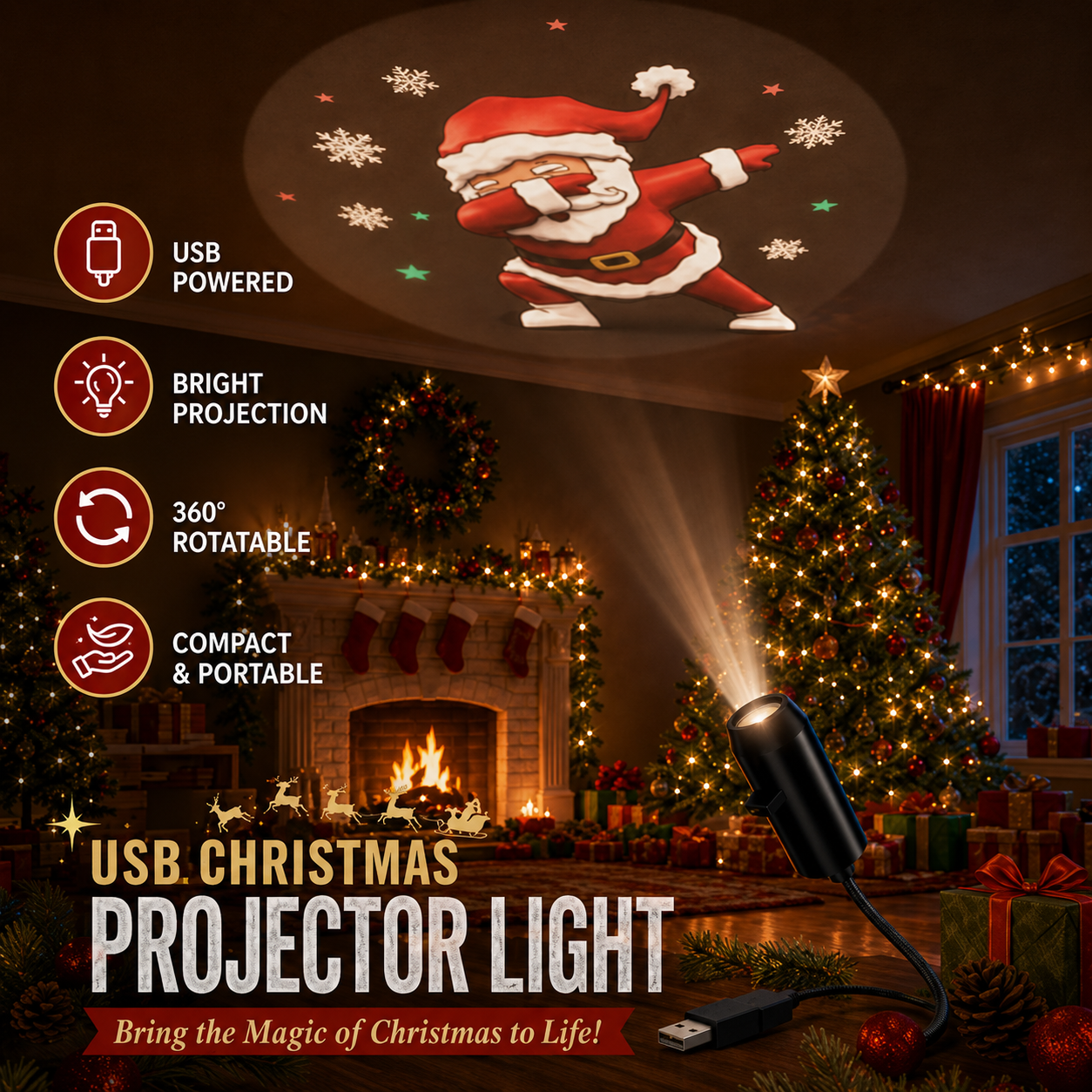


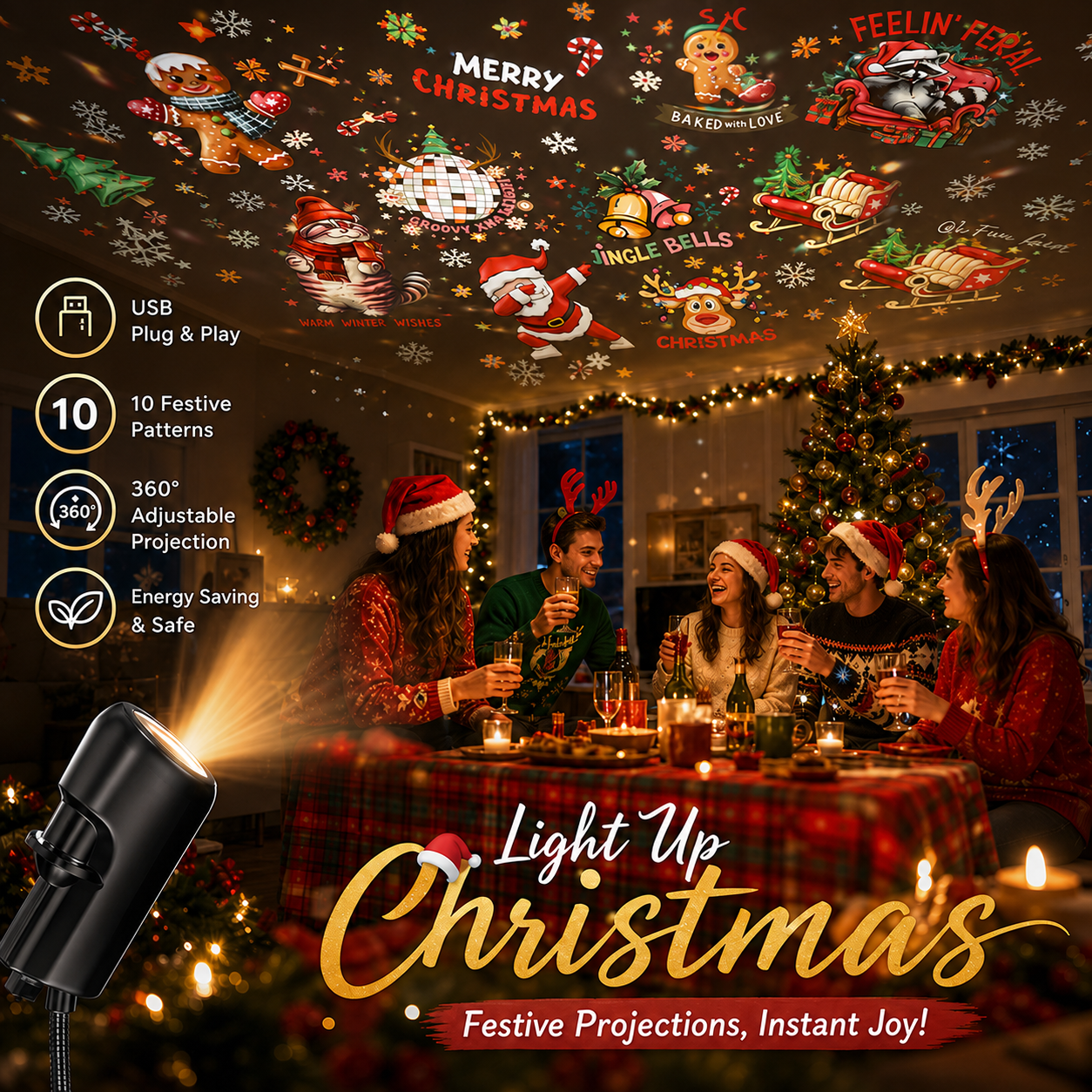
Fill walls and ceilings with Santa, reindeer, snowflakes, and glowing holiday scenes through one simple USB connection.

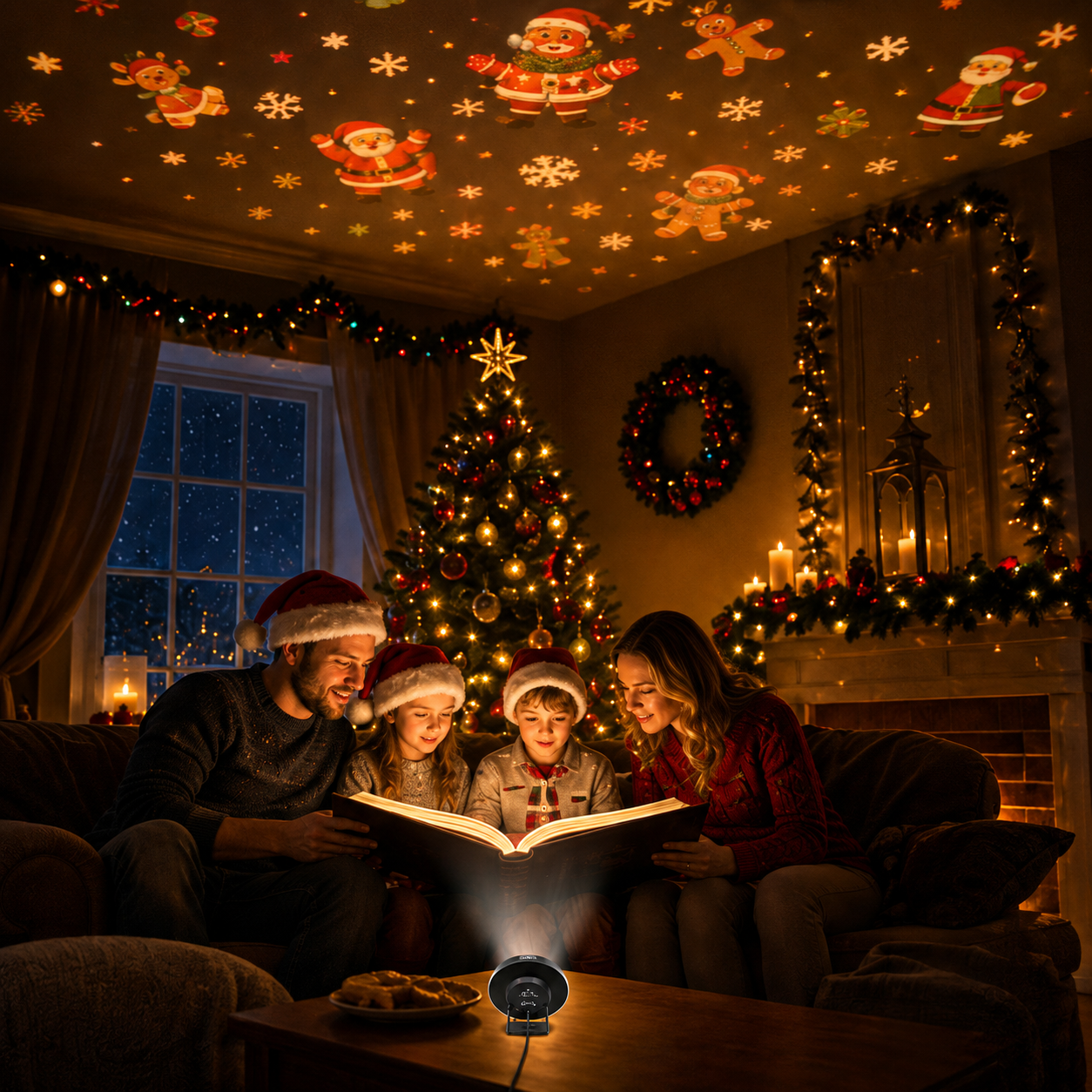
Skip hours of complicated decorating. Plug in the projector, choose a festive disc, and create a warm Christmas atmosphere for family nights, holiday dinners, and December bedtime routines.
Bring Santa, snowflakes, reindeer, and classic holiday symbols to walls and ceilings.
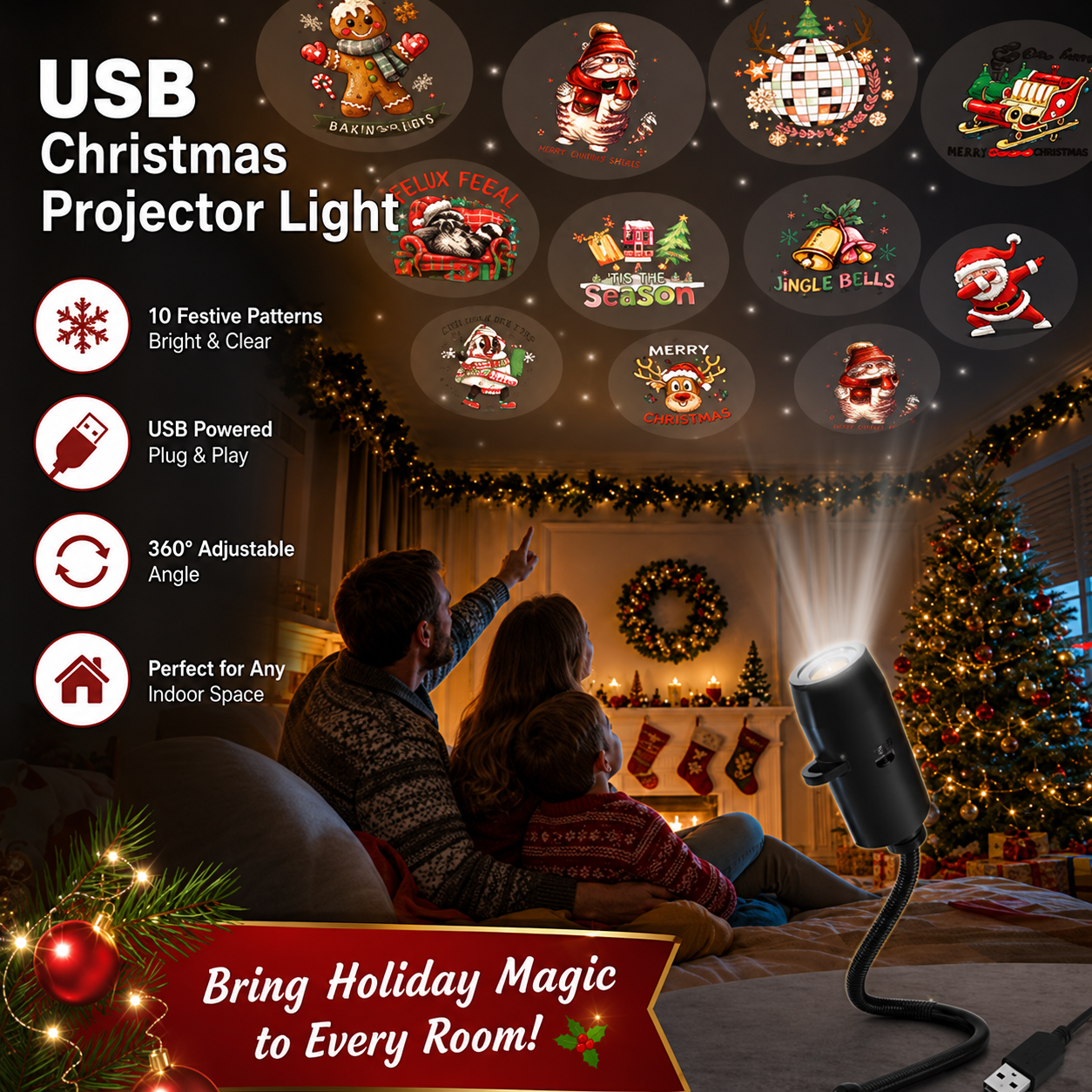
Connect the projector to a compatible USB adapter, power bank, or USB port.

Bend and aim the neck toward a ceiling, wall, mantel area, or sheltered porch display.

Snowflakes drift overhead, Santa appears above the tree, and the entire room feels ready for the holidays.

The projector is designed for quick seasonal setup with no WiFi connection or mobile app required.
Pick the Christmas scene you want to display.
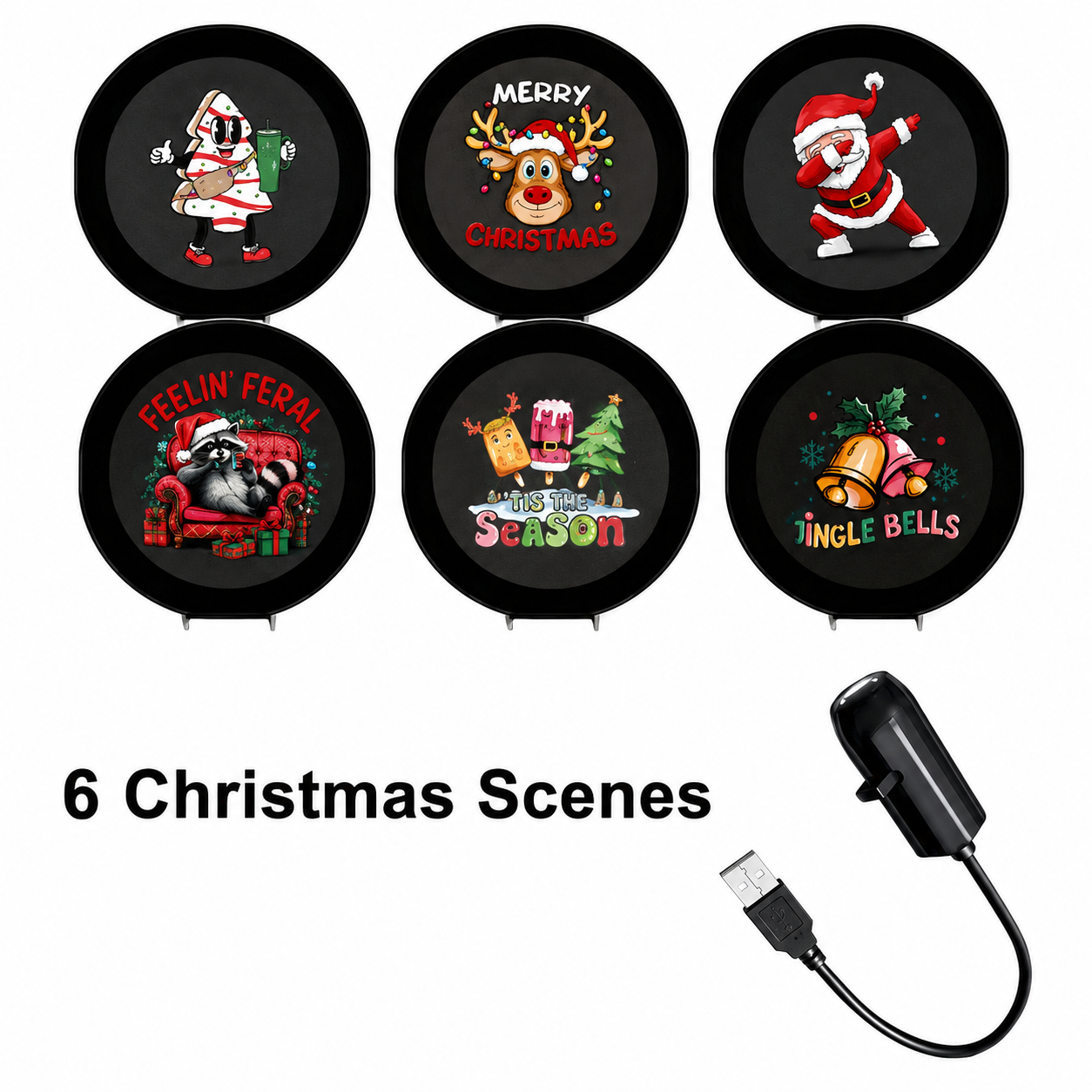
Slide the selected disc into the projector guide.
Aim the flexible neck and enjoy the holiday display.
Choose the smaller festive collection for essential favorites or the larger set for more ways to change the room throughout December.

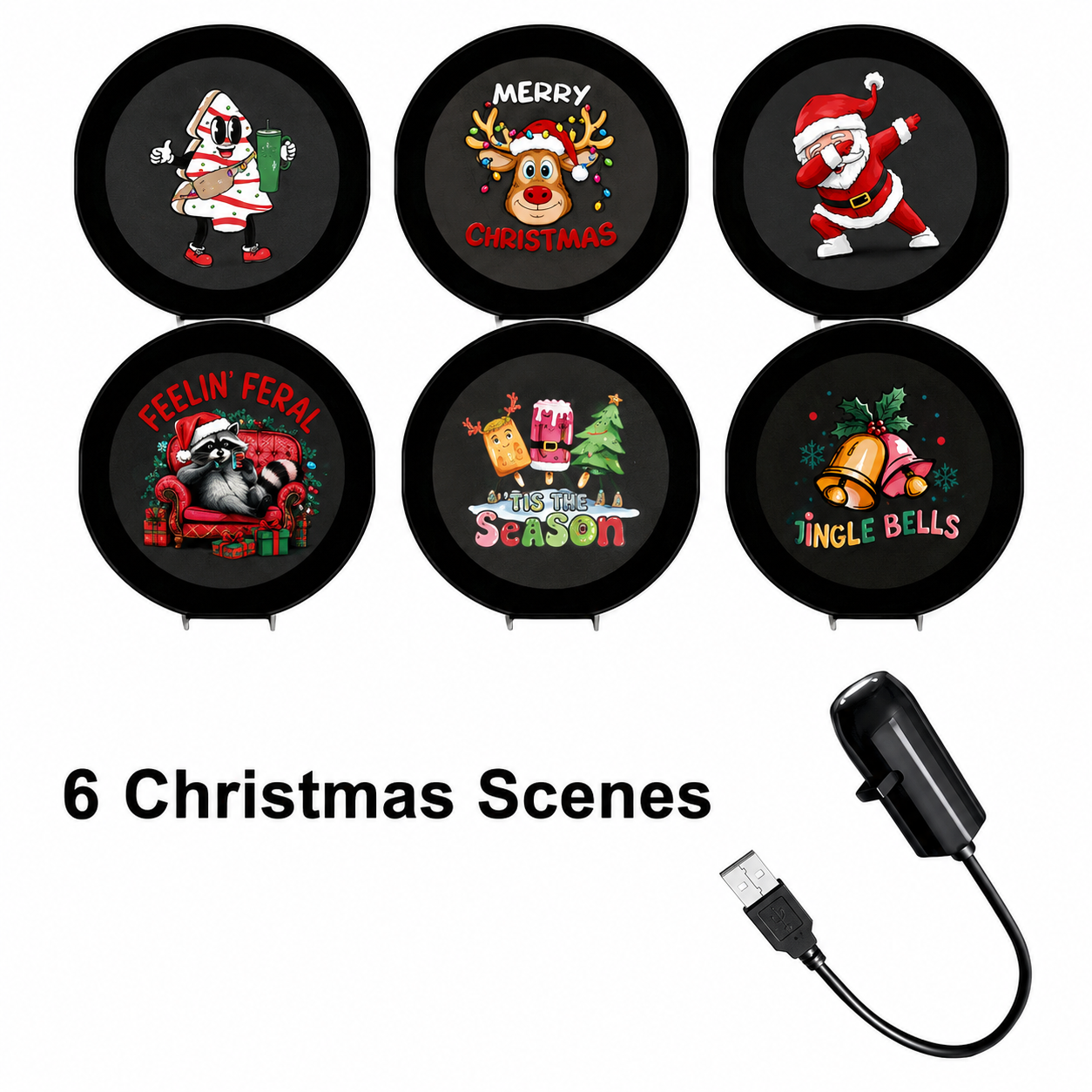
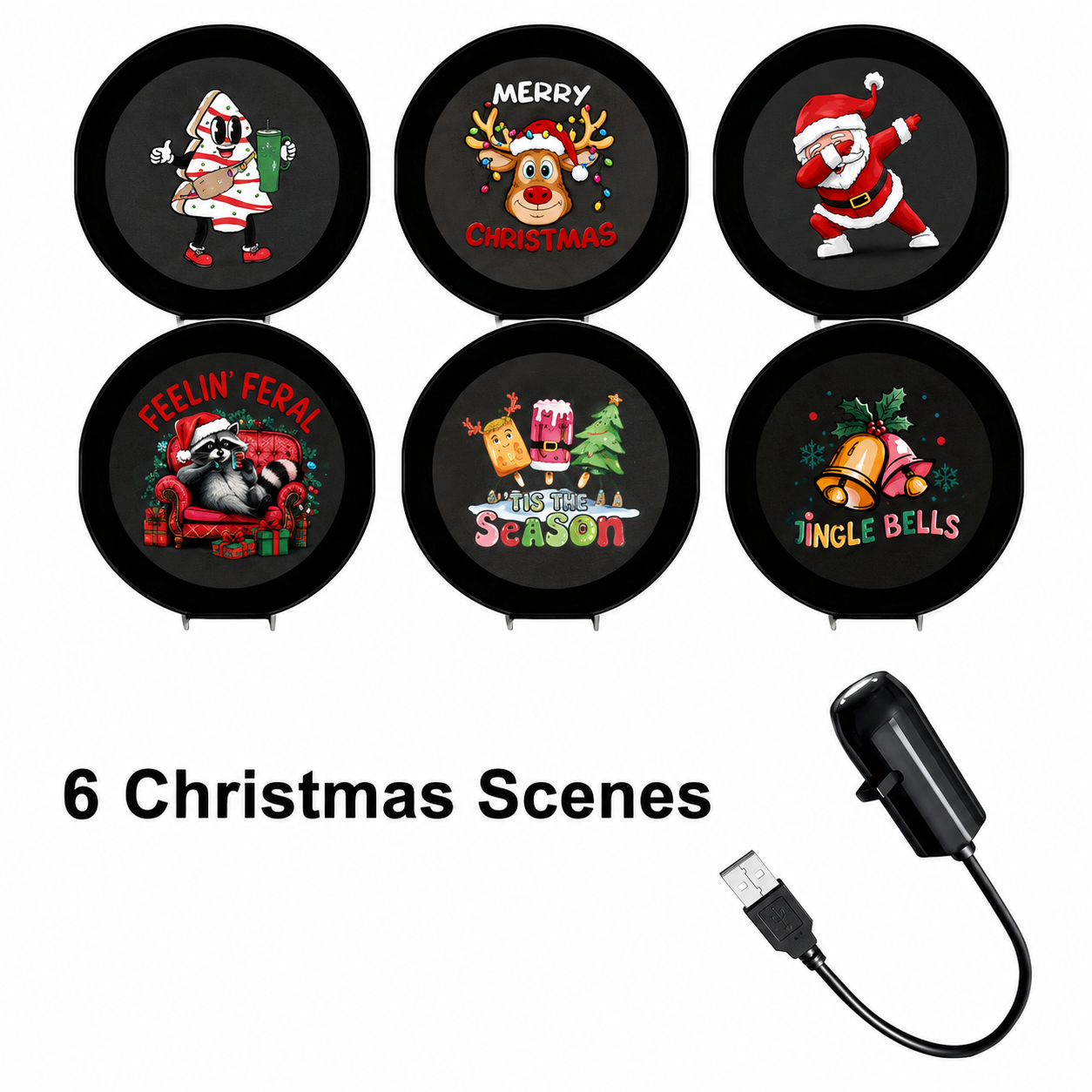
A focused selection of Santa, snowman, gingerbread, wreath, and classic Christmas designs.
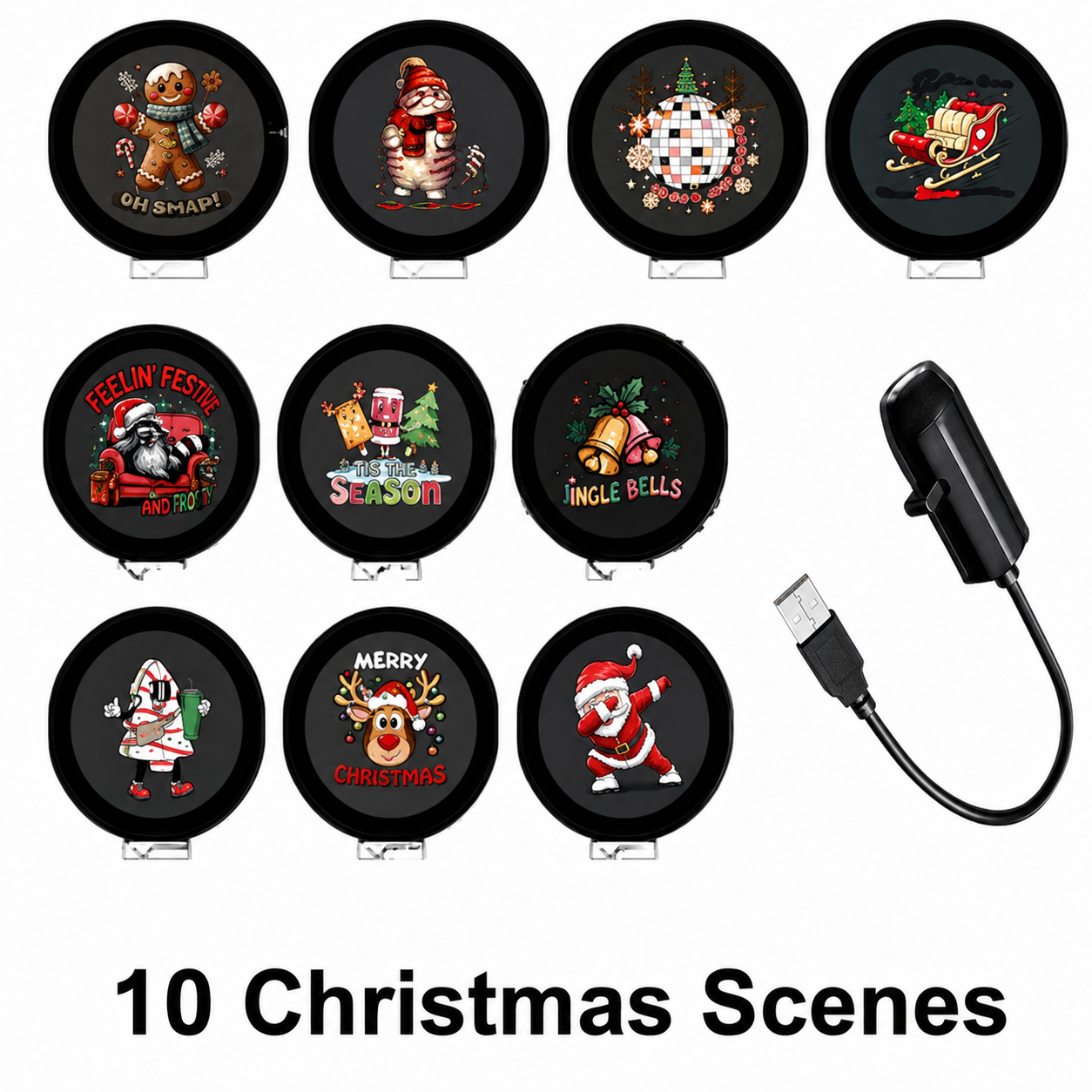
More festive patterns for changing the atmosphere across family nights and holiday events.
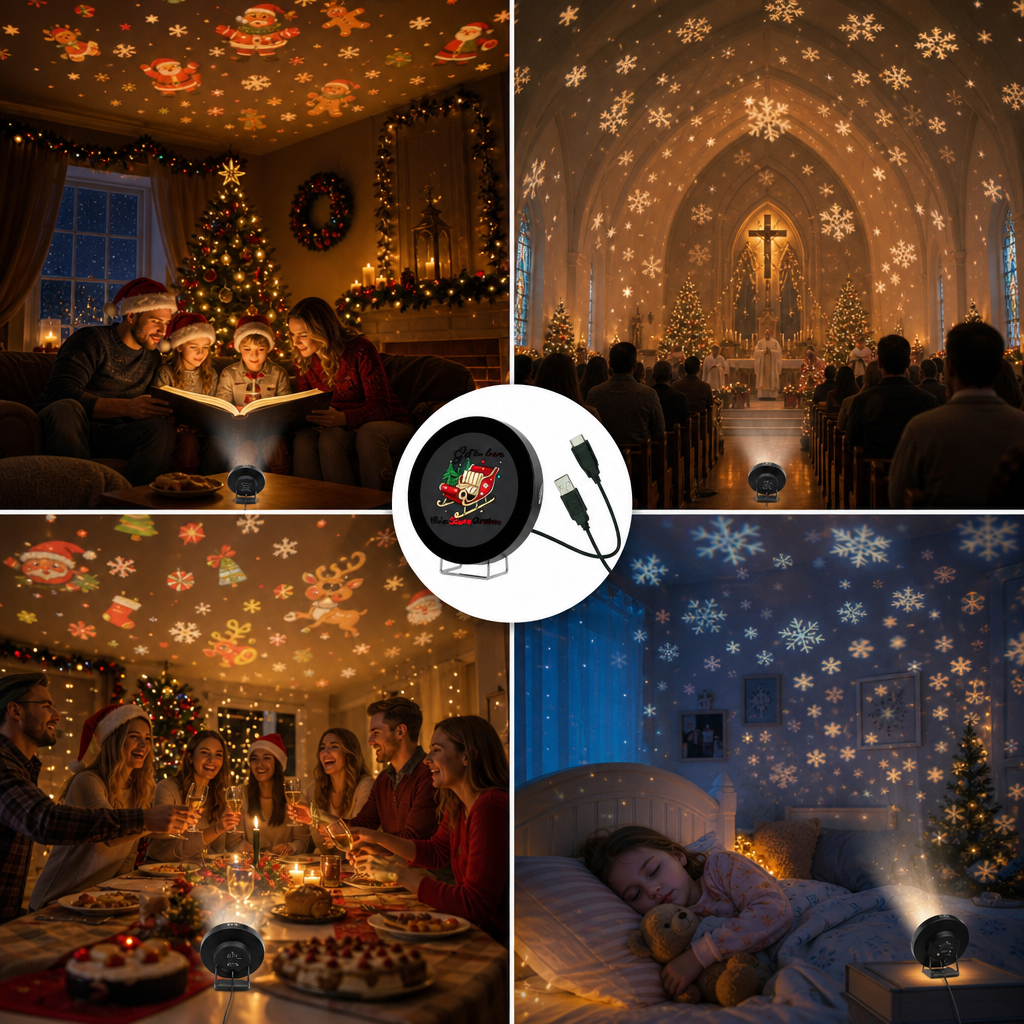
Move the compact projector between indoor spaces or use it in a dry, protected outdoor setup near suitable USB power.
It uses a 5V USB connection. Connect it to a compatible USB wall adapter, powered USB port, or power bank.
Yes. The flexible neck can be bent and aimed toward a wall, ceiling, mantel area, or other suitable surface.
Disconnect the power, remove the current disc, insert a different disc face-up along the guide, and reconnect the projector.
One set includes 6 Christmas scenes and the larger set includes 10 Christmas scenes. Choose the option shown in your product selector.
No verified waterproof rating is provided. Keep the projector and USB connection dry and use outdoor setups only in covered, protected conditions.
The package includes one USB projection lamp and the number of scene discs selected with your chosen set.
Choose your festive scene set and turn walls and ceilings into a warm holiday display in moments.
Choose Your Christmas SetSelect the 6-scene or 10-scene option in the product choices above.